Website Maintenance Checklist for Small Businesses

Website maintenance is one of those tasks that quietly slides down the priority list until something goes wrong. The site goes offline during a busy afternoon. A contact form stops forwarding leads. A plugin vulnerability gets exploited. Pages slow to a crawl and search rankings dip. What felt optional suddenly becomes urgent, stressful, and expensive to fix.
Most of these problems aren't caused by dramatic technical failures: they're the result of small tasks being skipped for weeks or months. Updates pile up. Backups haven't been tested. No one has checked the site on mobile in ages. Over time, the risk compounds quietly in the background.
In this post, you'll find a simple, repeatable maintenance routine you can start using straight away: weekly checks, monthly tasks, and quarterly reviews that keep your site performing well and staying secure. Most small business owners can handle much of this themselves, but it does take consistency and discipline. If that's not something you want on your plate, we'll explain when it makes sense to hand it off entirely.
Weekly Website Checks
Weekly checks are about quick health signals and catching obvious problems early. These aren't deep technical audits: they're five-minute scans that can save you hours of firefighting later on.
Uptime monitoring
The simplest way to stay on top of this is an automated monitoring service like UptimeRobot, which pings your site every few minutes and alerts you the moment it goes down. Even 30 minutes of unexpected downtime can mean missed enquiries, lost sales, and visitors who leave frustrated and never come back. Search engines notice repeated outages too, and it can quietly damage your rankings over time. You don't need to stare at a dashboard all day: just make sure alerts are set up and landing in the right inbox.
Basic page checks
Each week, manually open the pages that matter most to your business: your homepage, contact page, any enquiry or booking forms, and your checkout flow if you sell online. Make sure everything loads correctly, forms actually submit, and confirmation emails arrive as expected. These are the pages doing the heavy lifting for your business, and small breakages on them can go unnoticed for weeks if no one is actively testing them.
Visual and content glitches
Do a quick scan for broken images, layout issues, text overlapping on smaller screens, or missing icons and fonts. It's worth doing this on your phone as well as desktop, since many problems only appear at mobile screen sizes. Mobile users now make up the majority of traffic for most small businesses, so anything that looks off on a phone is a problem worth fixing straight away.
Monthly Website Maintenance Tasks
Monthly maintenance is where you focus on stability, security, and preventing surprise failures. This is also where many DIY-managed sites quietly start falling behind.
Backups
Automatic backups are non-negotiable, and they should be stored off-site: not just on the same server as your website. Ideally your host or backup plugin is creating daily backups that you can restore with a single click. Every few months, it's worth actually testing that process. A backup you've never tried to restore is little more than a comforting illusion, and the last thing you want is to discover it doesn't work when you actually need it.
Plugins and theme updates
If you're running WordPress or a similar platform with extensions, outdated plugins are one of the most common ways sites get compromised. We've written about one particularly bad incident in our post on a WordPress plugin vulnerability that affected over five million sites. Updates often patch security holes, not just add new features, so keeping them current is important.
When you do update, follow a safe process: run a backup first, then apply updates one batch at a time, and test your key pages and forms afterwards. Avoid updating everything blindly in the middle of a busy workday. If something does break, you want the time and headspace to roll back calmly rather than scrambling to fix it under pressure.
SSL certificate checks
Your SSL certificate is what gives visitors the padlock icon in their browser and encrypts any data submitted through your forms. If it expires, Chrome and other browsers will display a "Not Secure" warning in the address bar, or may block access to your site entirely. That's a serious blow to visitor trust and your conversion rates. Most modern hosts auto-renew certificates, but don't assume: check expiry dates monthly and make sure your site redirects correctly to HTTPS on every page.
Quarterly Performance and Compliance Reviews
Quarterly reviews focus on speed, accessibility, and keeping up with best practices and regulations. This is the layer most small businesses skip, but it's where the long-term gains are made.
Performance audits
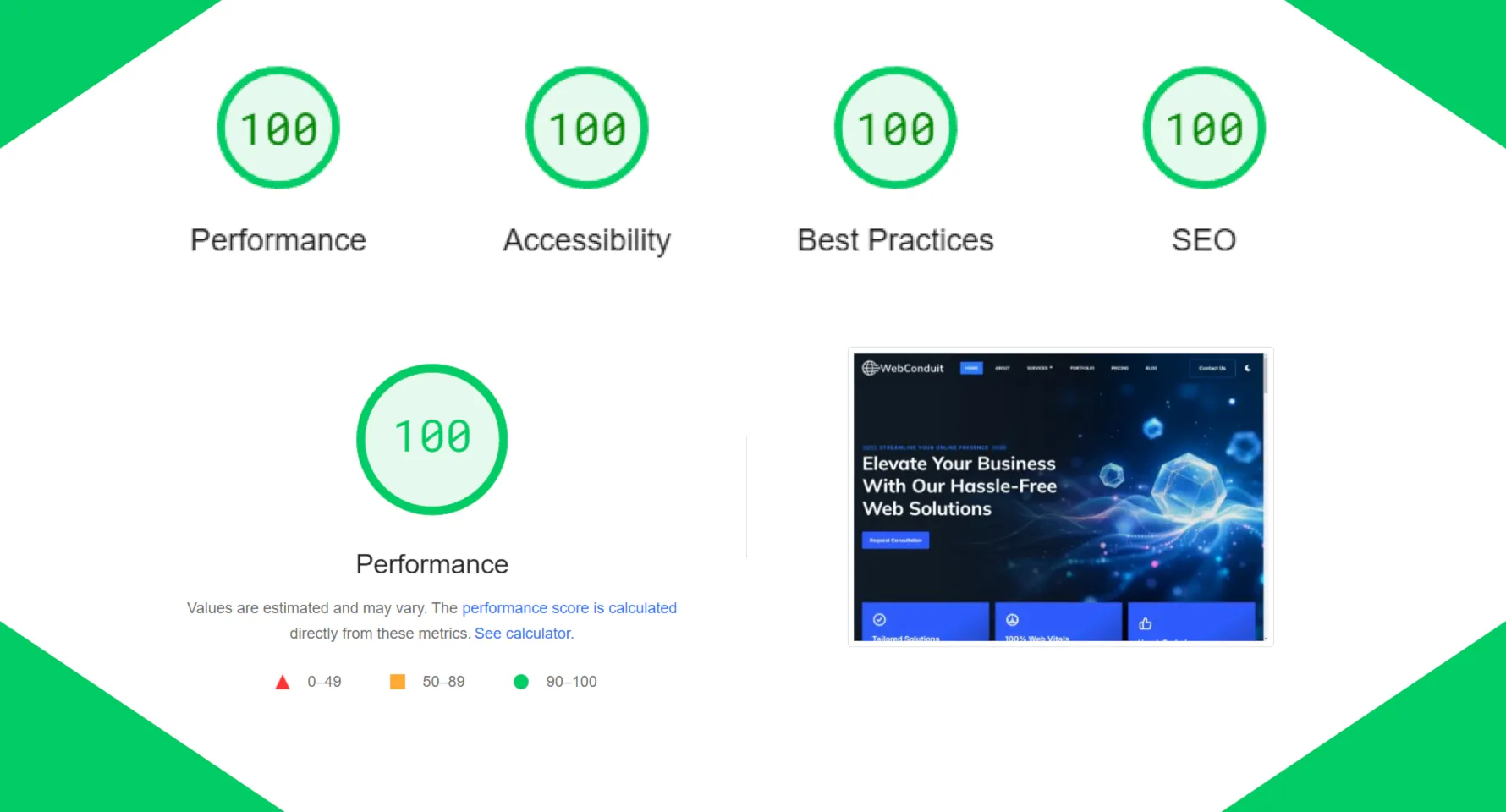
Run your site through Google PageSpeed Insights and review your Core Web Vitals scores, paying particular attention to mobile performance. Google's own research shows that 53% of mobile visitors leave if a page takes more than three seconds to load, and page speed is a confirmed ranking factor in Google's algorithm. If you'd like a deeper breakdown of what these metrics actually mean and how to improve them, our guide on understanding Core Web Vitals covers this in detail. Performance optimisation is something we specialise in at WebConduit: every site we build is designed to hit a 98+ Performance score and 100s across Accessibility, Best Practices and SEO on PageSpeed Insights. If your current site is falling short of those benchmarks, it's worth looking into what's dragging it down, as the impact on both user experience and search rankings compounds over time.
Security scans
Use a malware scanner or security plugin to check for suspicious files, injected code, or anything that shouldn't be there. File integrity monitoring is particularly useful here: it flags when something on your server changes unexpectedly, which is often an early sign that someone has gained unauthorised access. Catching an intrusion at this stage is far easier than cleaning up afterwards, especially if search engines have already blacklisted your domain by the time you notice.
Accessibility reviews
Accessibility isn't just about ticking a compliance box: it improves usability for everyone who visits your site. Each quarter, take a look at your image alt text, heading structure, colour contrast, form labels and error messages, and whether the site can be navigated using a keyboard alone. Small improvements here can make a meaningful difference for visitors using assistive technologies, and with accessibility regulations becoming more actively enforced across the UK and Europe, it's worth staying on top of.
Red Flags That Need Immediate Action
If you spot any of the following, stop updating things blindly and investigate first. If you're unsure what's going on, it's worth contacting a professional rather than guessing:
- Sudden drops in traffic when you check Google Search Console
- Warnings or suspension notices from your hosting provider
- Unknown admin users appearing in your CMS
- Your site redirecting visitors to spam or unrelated pages
- Browser security warnings appearing when you visit your own site
- Customers or visitors reporting strange or unexpected behaviour
- Pages suddenly loading much slower than they used to
These signs often point to deeper problems such as malware, compromised accounts, or server-level issues. Running plugin updates or making changes on top of an existing problem can make things worse rather than better.
Downloadable Website Maintenance To-Do Lust
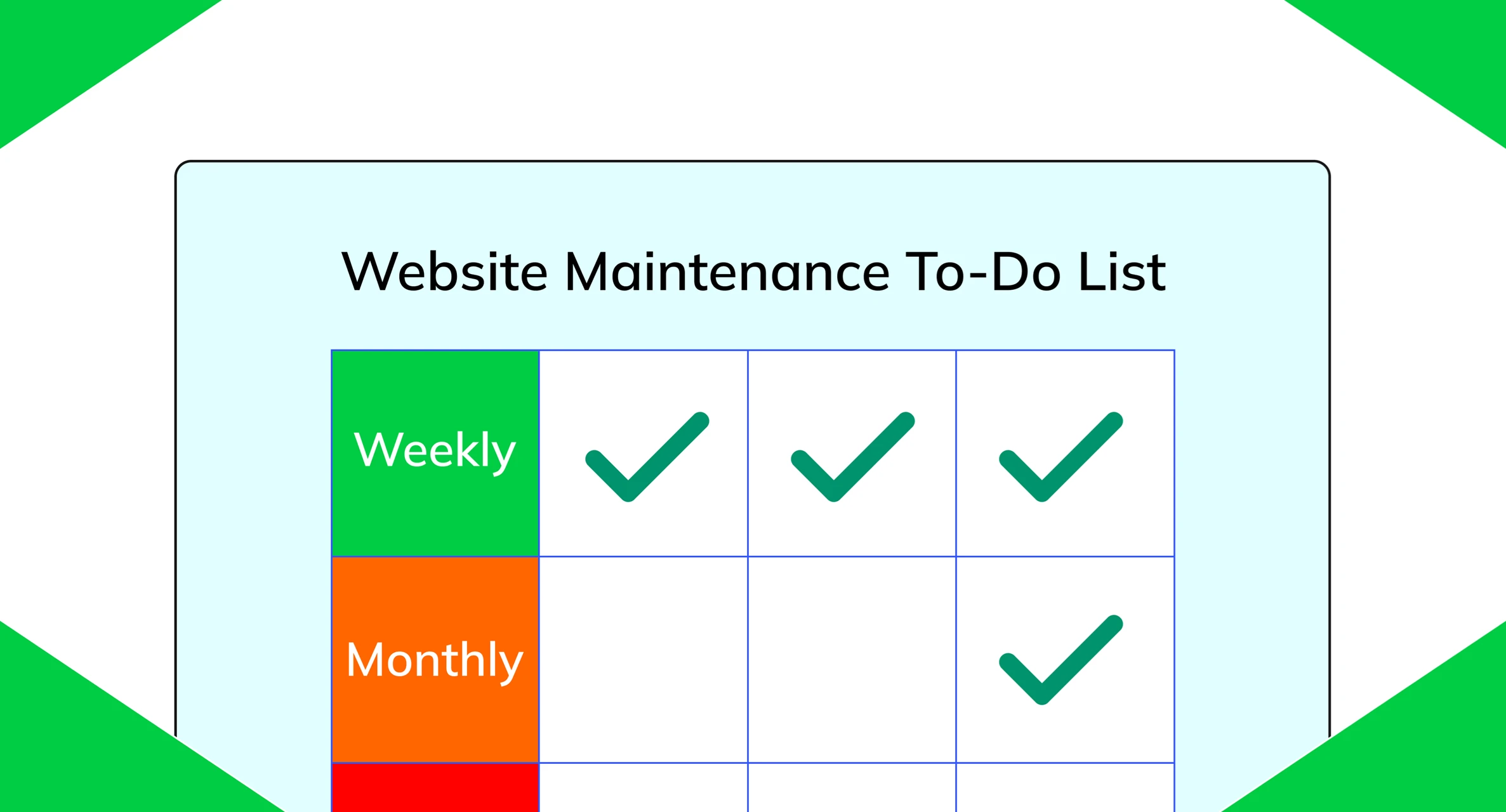
To make this routine as easy as possible to follow, we've put together a one-page printable to-do list you can keep on your desk or share with your team. It covers all the weekly, monthly and quarterly tasks in one place, and includes the red flags to watch out for.
Download the Website Maintenance To-Do List (Colour PDF)
Download the Website Maintenance To-Do List (B&W PDF)
When DIY Maintenance Stops Making Sense
As your business grows, so does the amount of maintenance your site needs. More pages, more integrations, more traffic, and more revenue riding on everything working correctly. Even if you know exactly what needs doing, the real cost is time: time spent on tasks that aren't directly bringing in clients or growing your business.
There's also the stress side of things. Something breaking at 9pm on a Friday, right before a campaign launch or a busy weekend, means you're suddenly searching forums, restoring backups and emailing hosting support instead of switching off. That kind of pressure doesn't go away on its own, and it tends to get worse as your site becomes more central to how your business operates. At a certain point, handing maintenance off to someone else stops feeling like an extra expense and starts feeling like a sensible business decision.
Final Thoughts
Consistent website maintenance isn't glamorous work, but it's one of the highest-leverage habits a small business can build. A few minutes each week, a structured monthly routine, and deeper quarterly reviews can prevent downtime, reduce security risks, and keep your site fast and compliant without taking over your schedule.
If you'd rather not manage this yourself, we offer both an All-In-One Website Package and a standalone Website Management and Maintenance service that covers updates, backups, security, performance monitoring and more: so you don't have to think about any of it. If you're not sure which option suits your situation, get in touch for a free, no-obligation chat and we'll work it out together.
Contact Us