How to Plan Your Small Business Website in 7 Simple Steps (UK Guide)

How to Plan Your Small Business Website in 7 Simple Steps (UK Guide)
Getting a new website can feel overwhelming. There are so many decisions to make before you've even picked a colour scheme: what pages do you need, what should the homepage say, how do people find you on Google, who's going to write all the content? It's easy to either freeze up and do nothing, or rush in and start making decisions you'll regret later.
Most small business websites that don't perform well weren't built badly on purpose. They were built without a clear plan. The design looked nice, the logo was in the right place, and it went live. Then the phone didn't ring, the contact form stayed empty, and nobody could quite explain why.
A bit of planning upfront fixes most of that. It doesn't need to take weeks, and you don't need a background in marketing or technology. This guide walks you through seven simple steps that will give your website the best possible foundation, whether you're building your first site or replacing one that's no longer working for you.
Why Website Planning Matters More Than Most Small Businesses Realise
Most people think about websites in terms of how they look. The colours, the fonts, the layout. Those things matter, but they come later. The businesses with websites that actually bring in customers started with a different set of questions: what do we need this site to do, who are we trying to reach, and how will people find us?
Without answers to those questions, even a beautiful website will underperform. You end up with pages that don't explain anything clearly, navigation that confuses visitors, and content that was written in a hurry because nobody planned it early enough.
Planning ahead leads to better SEO because you've thought about keywords and structure before the site is built, rather than trying to bolt them on afterwards. It leads to a better experience for visitors because the site is organised around what they need to know, not just what you wanted to say. And it leads to fewer expensive changes down the line, because you've made the important decisions before any code was written or design was done.
None of this has to be complicated. It just has to happen before you start.
Step 1: Define What Your Website Actually Needs to Do
Before anything else, get clear on the purpose of your website. This sounds obvious, but most businesses skip it, and it causes problems at every stage that follows.
Different businesses need their websites to do very different things. A local plumber needs people to call. A consultant needs people to book a discovery call. A shop needs people to buy. A photographer needs people to browse a portfolio and then get in touch. These are all different goals, and a website built around one of them will look and work quite differently from one built around another.
Ask yourself a few simple questions before you go any further:
- Who is this website for? (Not just "potential customers" — be specific. A local business owner in their 40s who doesn't have much time? A young professional looking for a quick answer on their phone?)
- What is the single most important action you want visitors to take? (Call you, fill in a form, book online, buy something?)
- What pages do you actually need? (Most small businesses need far fewer than they think.)
That last point is worth dwelling on. A common mistake is trying to put everything on the website at once. A cluttered, sprawling site with twenty pages of content nobody reads is worse than a focused four-page site that does one thing well. Start with what's essential, and add more later if you need to.
Step 2: Understand Your Target Audience
A website that tries to speak to everyone usually ends up speaking to no one. The more clearly you can picture the person you're trying to reach, the better your site will be at reaching them.
Think about what your ideal customer actually cares about when they land on your site. They're not there to admire your design. They're there because they have a problem and they're wondering whether you can solve it. A tradesperson's website visitor wants to know: do you cover my area, are you reliable, how much will it cost, and how do I get in touch? A consultant's visitor wants to know: do you understand my situation, have you done this before, and what happens next?
It's also worth remembering that most visitors scan websites rather than read them. They glance at the headline, look at a few headings, maybe read a paragraph or two if something catches their attention. They're looking for quick reassurance that they're in the right place. If your homepage doesn't give them that within a few seconds, they'll leave.
Think about the questions your customers ask you most often. Those questions should be answered clearly on your site. Think about the concerns that make people hesitate before getting in touch. Address those too. The more your website reflects the actual conversation your customers are having in their heads, the better it will perform.
Step 3: Plan Your Website Structure Before Design
Your website structure is simply the list of pages you'll have and how they connect to each other. It's worth mapping this out before you think about design, because the structure shapes everything: how visitors navigate, how Google understands your site, and how easy it is to find the information people are looking for.
For most small businesses, a simple structure works best:
- Home — Your main page. Explains what you do, who you help, and what to do next.
- Services — What you offer. One page covering all services, or separate pages for each service if you have several distinct ones.
- About — Who you are and why you do what you do. Helps build trust.
- Contact — How to get in touch. Should be easy to find from every other page.
- Blog — Optional, but useful for SEO and showing expertise over time.
That's it for most businesses. You might need to add a portfolio, a testimonials page, or individual service pages depending on what you offer. But start with the essentials and only add pages if there's a genuine reason for them.
Clean, simple navigation matters because visitors shouldn't have to think about where to go. If someone lands on your homepage and can't immediately see how to find what they're looking for, they'll leave. Google also prefers well-organised sites. A clear structure makes it easier for search engines to understand what your site is about and what each page covers.
Step 4: Plan Your Content Early
Content is the part of the website process that almost always gets left too late. The design gets signed off, the developer is ready to build, and then someone realises nobody has actually written anything yet. The result is rushed copy that doesn't say the right things, pages that get filled with placeholder text and then forgotten, and a launch that's delayed by weeks.
The fix is simple: plan your content before anything else starts. You don't need to have every word written, but you should know what each page needs to cover.
For each page, ask: what does a visitor need to know by the time they reach the bottom of this page?
Your homepage is the most important. It should answer four things clearly:
- What do you do?
- Who do you help?
- Why should someone choose you over a competitor?
- What should they do next?
That's your headline, a short description of your services, some trust signals (reviews, years of experience, past clients), and a clear call to action. Keep it focused. Visitors don't read long homepages; they scan them.
Your services pages should explain what you offer, who it's for, and what the process looks like. Your about page should feel human: why you started, what you care about, who's behind the business. Your contact page should make it as easy as possible to get in touch, with a simple form, your phone number, and any other relevant details like your location or working hours.
Getting your content roughly sorted before the build starts saves a huge amount of time and usually leads to a better website.
Step 5: Think About SEO From the Beginning
SEO (Search Engine Optimisation) is how people find your website on Google without you paying for adverts. It works best when it's built into your site from the start, rather than being added on afterwards.
You don't need to become an SEO expert. But a few simple decisions made early will make a real difference to how well your site performs in search results.
Think about what people search for. When your ideal customer types something into Google, what do they type? "Plumber in Loughborough"? "Web designer for small businesses UK"? Those phrases should appear naturally in your page titles, headings, and content. Not stuffed in awkwardly, just mentioned clearly where they make sense.
Include your location. If you serve a specific area, say so. Google needs to know where you operate in order to show you to people nearby. Mention your town or region on your homepage and contact page at a minimum.
Plan your page titles. Every page needs a descriptive title that tells Google (and visitors) what it's about. "Home" is not a page title. "Web Design for Small Businesses in Loughborough | WebConduit" is.
Build for speed and mobile from day one. Google gives preference to sites that load quickly and work well on phones. This is largely a technical decision made during the build, but it's worth asking about early. We cover both of these in more detail in our on-page SEO tips guide.
The businesses that rank well on Google didn't get there by luck. They made deliberate decisions early on, and those decisions compounded over time.
Step 6: Make Mobile Experience a Priority
More than half of all web searches in the UK happen on a mobile phone. If your website works beautifully on a desktop but is awkward or slow on a phone, you're losing a significant chunk of your potential customers before they've even read a word.
Poor mobile experiences are more common than you'd think. Text that's too small to read without zooming in. Buttons so close together that tapping the right one takes three attempts. Pages that take ten seconds to load because they weren't optimised for slower connections. Navigation menus that fall apart on a small screen.
These aren't minor annoyances. They're the reason people leave and go to your competitor instead.
Mobile-friendliness is also a ranking factor for Google. Sites that work well on phones get a boost in search results. Sites that don't get pushed down. So a poor mobile experience doesn't just cost you visitors directly; it costs you visibility too.
When you're planning your website, make sure mobile is part of the conversation from the beginning. Ask your developer how the site will look and behave on a phone. Ask to see examples of their mobile work. And when you're reviewing the finished site, look at it on your phone first, not your desktop.
Step 7: Choose the Right Website Approach for Your Business
Once you know what your site needs to do and how it should be structured, you can make a more informed decision about how to actually build it. There are broadly four options, each with different trade-offs.
DIY builders (Wix, Squarespace, Webflow) are quick and low-cost upfront, but often come with performance limitations, monthly fees that add up, and limited flexibility as your business grows. They can work well for very simple sites, but they rarely compete with custom-built sites on speed or SEO. We've written about this in more detail in our post on hand-coding vs DIY builders.
Templates (typically WordPress themes) sit somewhere in the middle. They're faster to set up than a fully custom site, but they come with a lot of code you don't need, which can slow things down. They also tend to look like templates, which doesn't always inspire confidence.
Freelancers vary enormously. Some are excellent. Some disappear after launch. The key questions to ask are the same ones we covered in our guide to questions to ask before hiring a web developer.
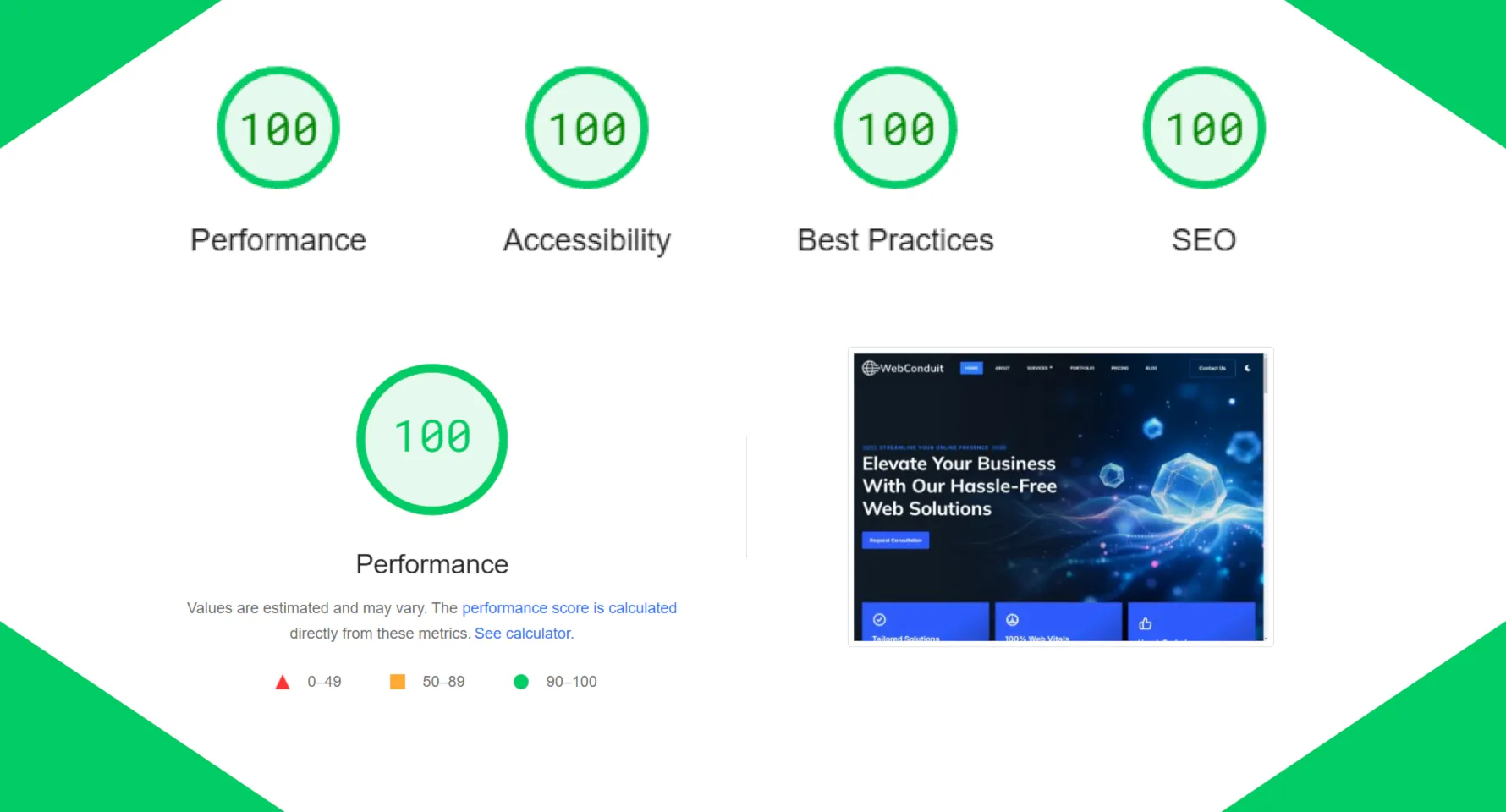
Professional custom-built websites take more time and cost more upfront, but give you a site that's built specifically around your goals, performs well on PageSpeed and mobile, and is maintained properly over time. For most small businesses that take their online presence seriously, this is where the long-term value is.
The right choice depends on your budget, your goals, and how central your website is to your business. If it's the main way customers find you, it's worth investing in properly.
Common Website Planning Mistakes Small Businesses Make
Even with the best intentions, most small businesses make at least a few of these:
Starting with design before strategy. Picking fonts and colours before deciding what the website needs to do is the single most common mistake. Design should serve your goals, not the other way around.
Too many pages. More isn't better. A focused, well-written five-page site will outperform a sprawling twenty-page site with thin content every time.
Weak homepage messaging. If a visitor can't tell what you do and who you help within a few seconds of landing on your homepage, they'll leave. Clarity beats cleverness.
Ignoring SEO until after launch. SEO built in from the start is far more effective than SEO bolted on afterwards. Fixing it retroactively is time-consuming and expensive.
No clear call to action. Every page should tell visitors what to do next. If it doesn't, they'll do nothing.
Choosing the cheapest option immediately. A £300 website that generates no business is more expensive than a £2,000 website that brings in customers every month. Think about value, not just cost.
Leaving content to the last minute. This delays launches, leads to rushed copy, and results in pages that don't say the right things. Sort your content early.
Website Planning Checklist (Quick Summary)
Before you start building, make sure you've covered the basics:
- Define your goals — What do you need the website to do, and what action should visitors take?
- Know your audience — Who are you trying to reach, and what do they need to know?
- Plan your pages — What pages do you actually need? Keep it simple.
- Prepare your content — What does each page need to say? Rough it out before the build starts.
- Consider SEO — Plan your page titles, include your location, and think about keywords early.
- Prioritise mobile — Make sure the site works well on phones, not just desktops.
- Choose the right approach — DIY, template, freelancer, or custom build? Pick based on your goals and budget.
Tick these off before you start, and you'll be ahead of the vast majority of small business websites out there.
Final Thoughts
Planning a website doesn't have to be a long or complicated process. It just has to happen before the design and build starts. A few hours spent thinking through your goals, your audience, your structure, and your content will save you far more time and money later.
The businesses with websites that actually work for them didn't stumble into it. They made deliberate decisions early on, and those decisions shaped everything that came after. You don't need a big budget or a marketing team to do the same. You just need a clear plan.
Start with your goals. Work through the steps. And don't skip the content planning.
Need Help Planning Your Website?
If you'd rather have this done properly from the start, we're happy to help. At WebConduit, every site we build begins with a conversation about what you actually need: your goals, your audience, your content, and how people will find you. The planning is part of the process, not an afterthought.
Whether you're interested in our All-In-One Website Package with hosting, maintenance, and unlimited text edits included, or our Website Design and Development service for a one-off custom build, we'll make sure the foundations are right before anything else starts.
Want to talk through what your website needs to do and how to get there?
Get In Touch